In this article, you'll learn what you can do on FindMyDance and where to start, whether you dance, teach or run a studio.
Before you start
- You can use findmydance.app on your phone or computer.
- FindMyDance is in English and Vietnamese. When you're signed in, click your profile picture at the top right and choose EN or VI at the bottom of the menu.
- Prices are in Vietnamese đồng (đ). Dancers pay the studio directly by bank transfer, or in cash at the desk where the studio allows it.
- Studios and teachers who run their own classes choose a plan. The first month is free, and you can cancel any time. See Pricing for the plans.
How FindMyDance works
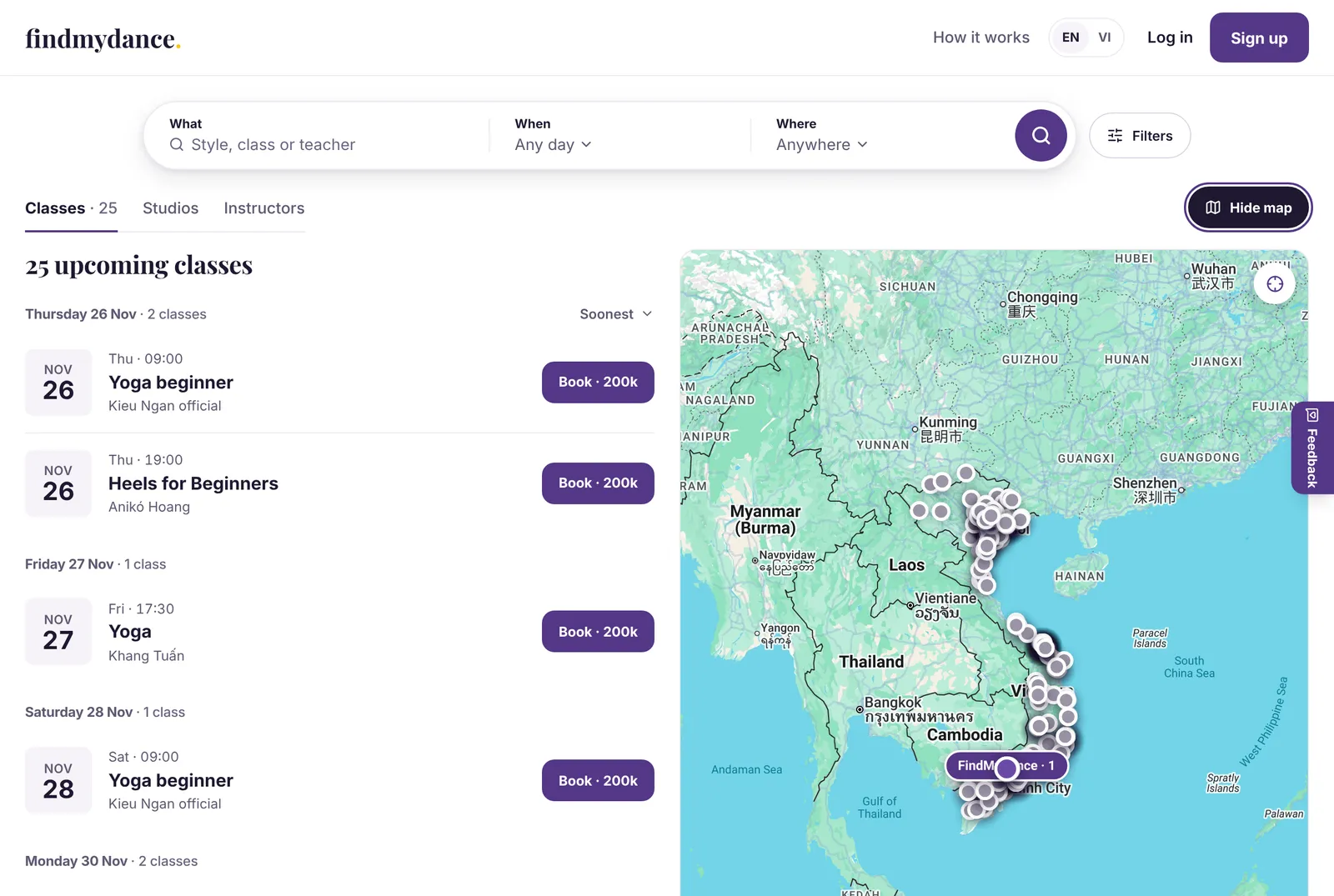
A studio or teacher adds a class with its dates, prices and number of spots. The class appears on Explore, on the map and on the studio's page. A dancer finds it, picks a date, and pays the studio by bank transfer. The studio confirms the payment, and the class shows up in the dancer's bookings.
For dancers
Start here if you want to take classes.
- Find a class. Search by style, day and level on Explore. Read Find Dance Classes by Date, Style and Level.
- Look around you. See classes near you on the map. Read Find Classes on the Map.
- Check a studio's week. Open a studio page to see all its classes. Read View a Studio's Class Schedule.
- Book and pay. Pick a date, click Book this class, and pay by bank transfer. Read Book and Pay for a Class.
For studios and teachers
Start here if you teach or run a studio.
- Set up your profile. Add your photo, bio, links and dance videos. Read Set Up Your Studio or Teacher Profile.
- Add your classes. Bring in your existing schedule from a post caption, photos, a PDF or a spreadsheet. Read Import Your Class Schedule.
- Set your prices. Offer a full-course price, a drop-in price, or both. Read Set Course and Drop-in Prices.
- Offer private lessons. Open 1:1 sessions at the hours you choose. Read Offer 1:1 Private Lessons.
- Share your classes. Send one link to Instagram, Facebook or Zalo. Read Share a Class.
- Run your classes. Approve payments, check people in and message your students. Read Manage Your Students and Bookings.
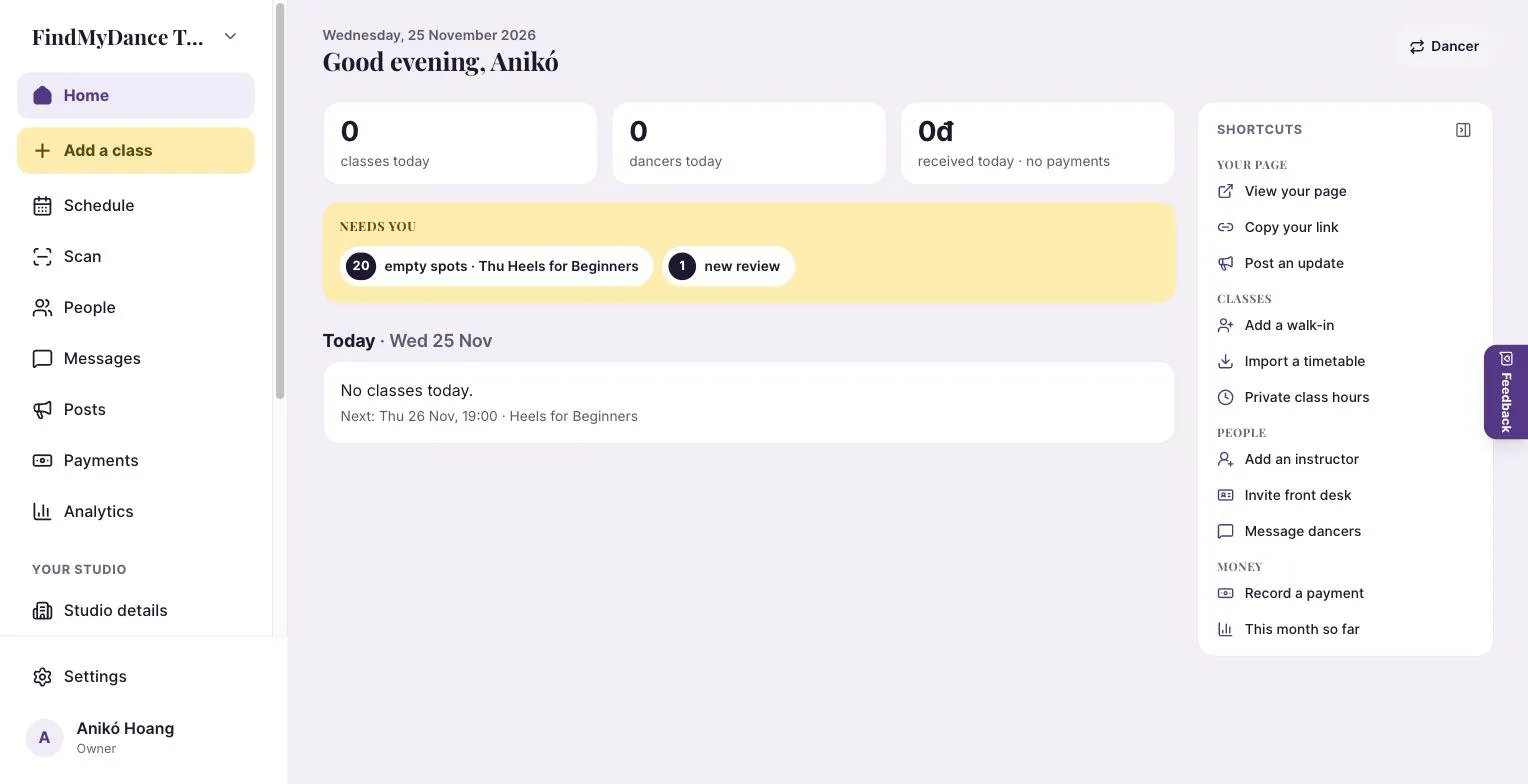
Everything starts from Home in your studio area. It shows today's classes and payments, anything that Needs you, and Shortcuts to common jobs like Import a timetable and Private class hours. To see FindMyDance as a dancer, click Dancer at the top right.