In this article, you'll learn how to search for classes and use filters to find one that fits your week.
Before you start
- You don't need an account to browse. Searching is free.
- Classes come in five types:
- Open class: a regular class. Drop in on any date you like and pay per class.
- Course: a set of dates you book together, often building one piece of choreo.
- Workshop: one special session.
- Event: a battle, showcase or social.
- Private class: a 1:1 lesson with a teacher.
Search for a class
To search for a class, follow these steps.
- Go to Explore.
- In What, type a style, class or teacher, for example heels or hip-hop.
- In When, choose Today, Tonight, Tomorrow, Weekend or Pick dates.
- In Where, choose an area, or leave it on Anywhere.
- Click the search button.
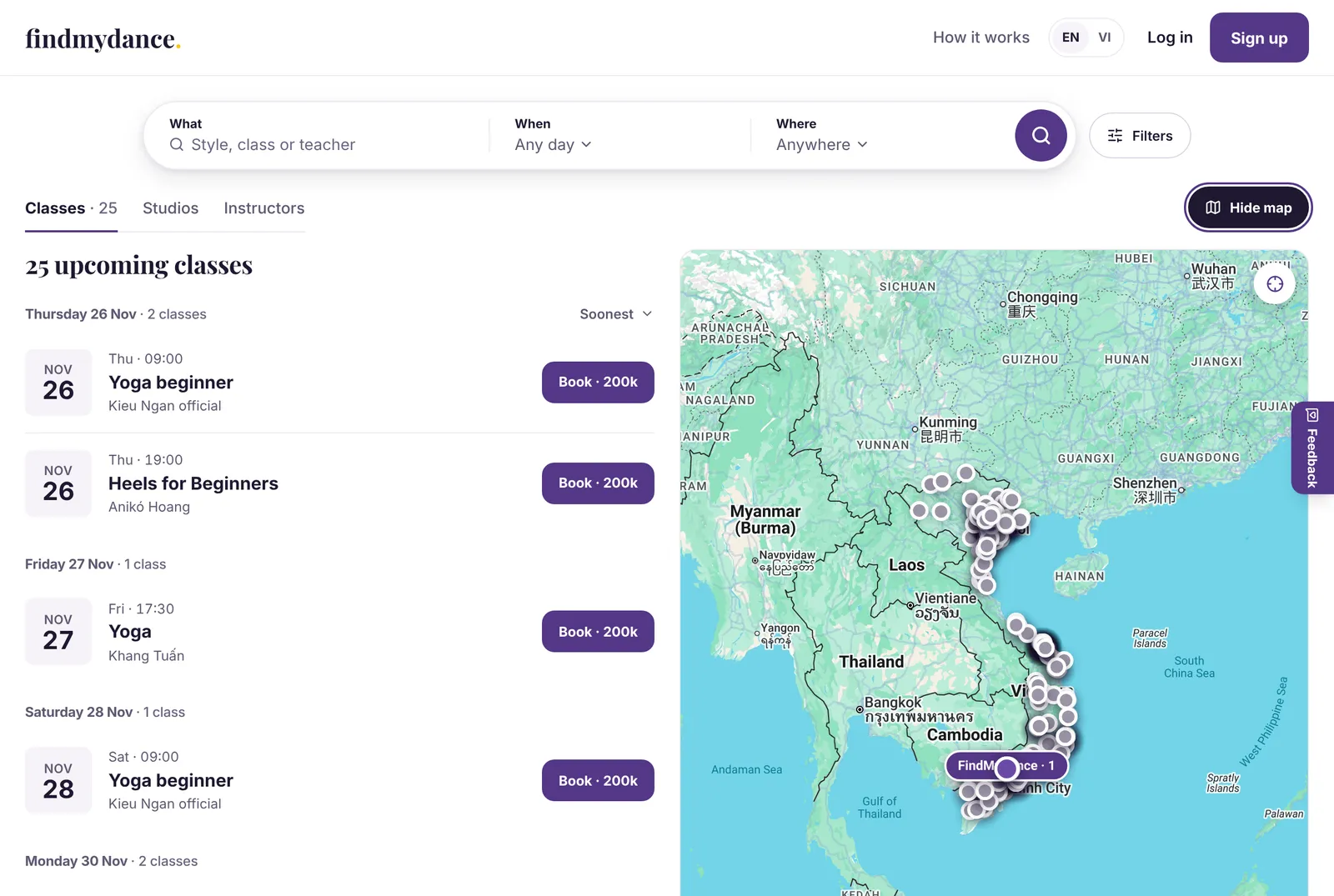
The results show under Classes, grouped by day. Each card shows the date, time, class name, teacher and price, for example Book · 200k. Switch to Studios or Instructors to search for those instead.
Filter the results
To narrow the list, follow these steps.
- On Explore, click Filters.
- Choose any of the following:
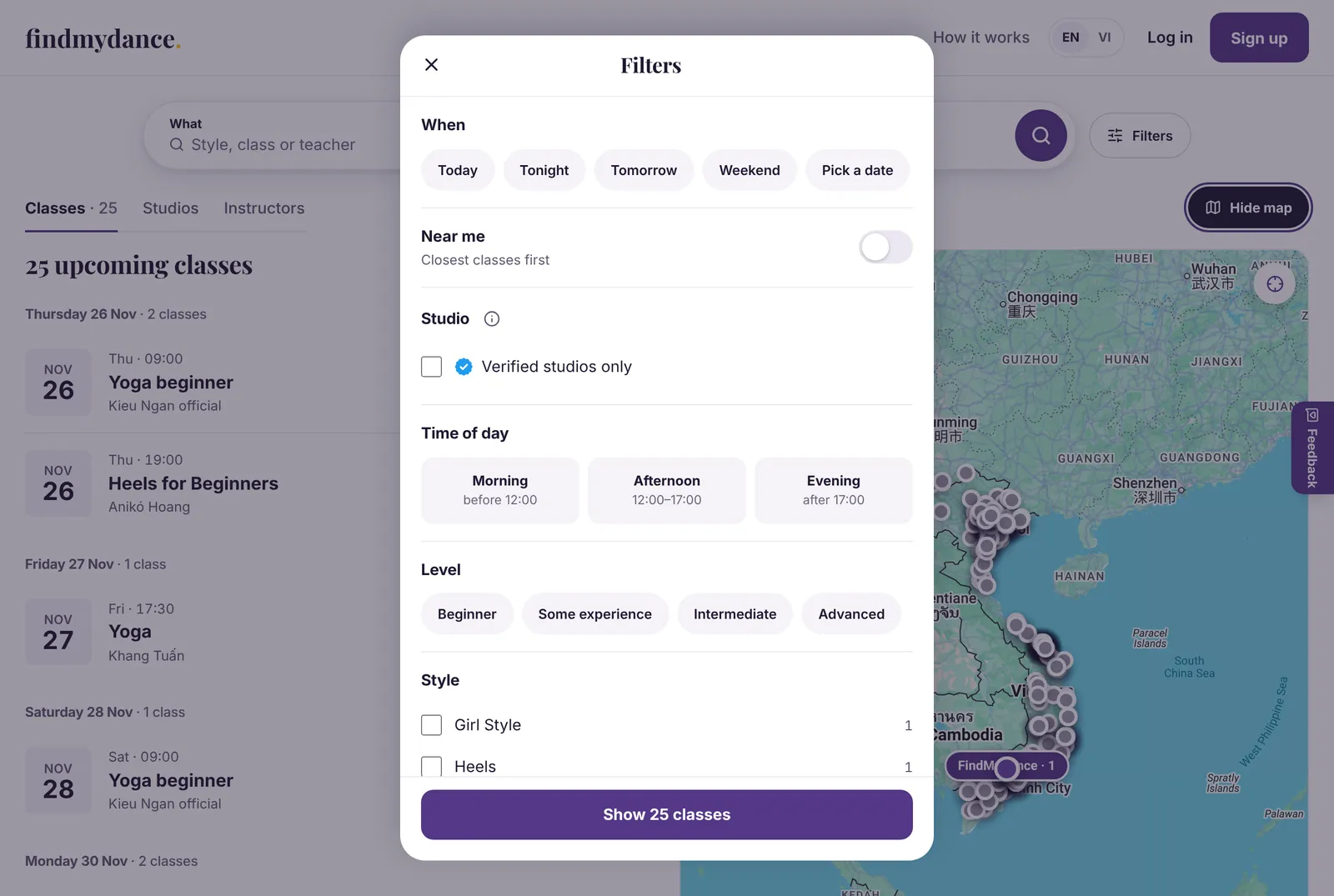
- When: Today, Tonight, Tomorrow, Weekend, or Pick a date.
- Near me: turn on to see the closest classes first.
- Studio: tick Verified studios only.
- Time of day: Morning (before 12:00), Afternoon (12:00 to 17:00) or Evening (after 17:00).
- Level: Beginner, Some experience, Intermediate or Advanced.
- Style: tick one or more styles. The number shows how many classes match.
- Scroll down for more filters:
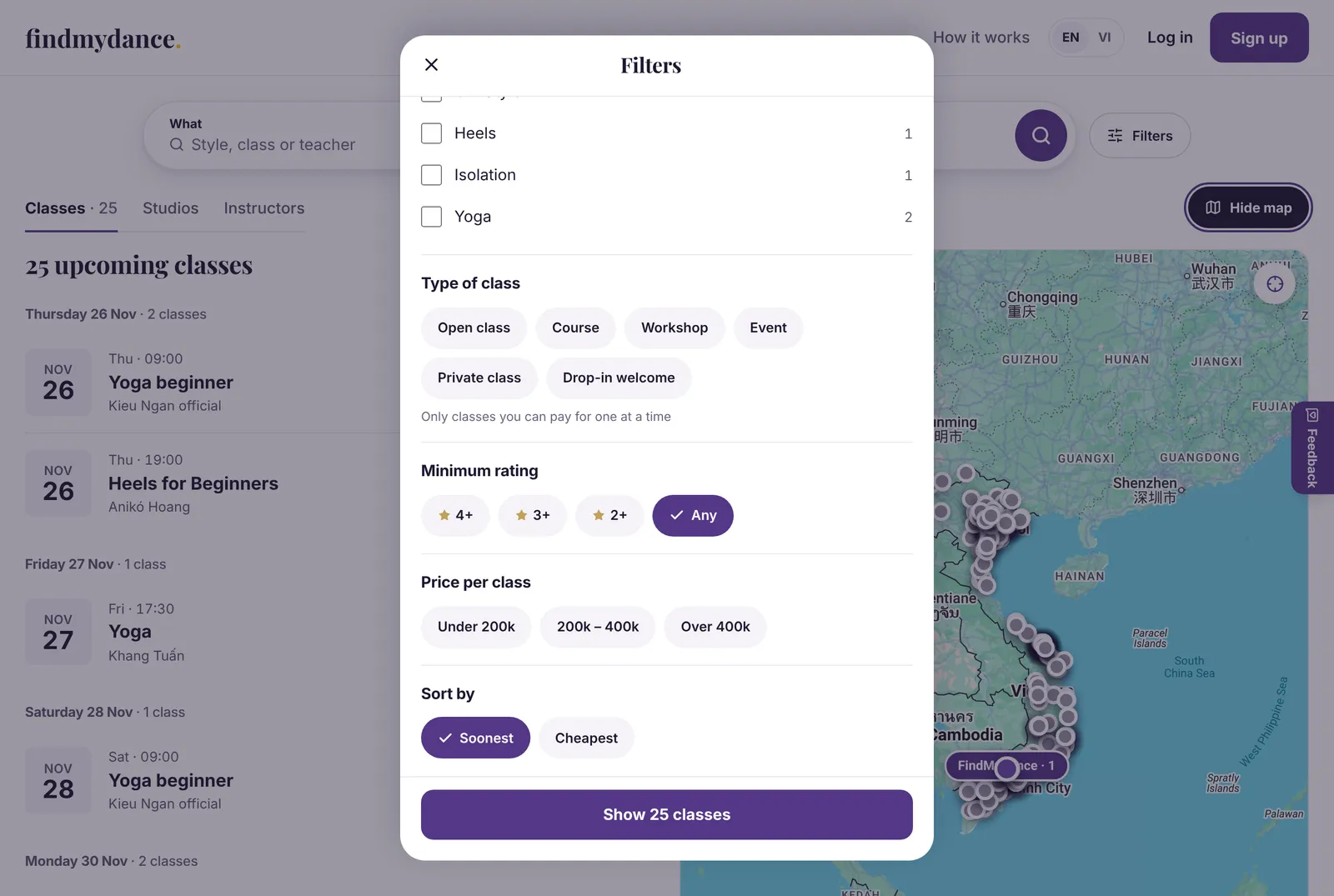
- Type of class: Open class, Course, Workshop, Event or Private class.
- Drop-in welcome: only classes you can pay for one at a time.
- Minimum rating: 4+, 3+, 2+ or Any.
- Price per class: Under 200k, 200k to 400k, or Over 400k.
- Sort by: Soonest or Cheapest.
- Click Show classes. The button shows how many classes match, for example Show 25 classes.
Tip: Only want to try a class once? Tick Drop-in welcome so you don't land on a course that needs every date.
Why search instead of scrolling social media?
Studio schedules on social media get buried under new posts, and an algorithm decides what you see. On FindMyDance, you choose the day and the style, and you see every matching class with its spots left and price.